As Modeler & Animator
Bringing EVE To Life
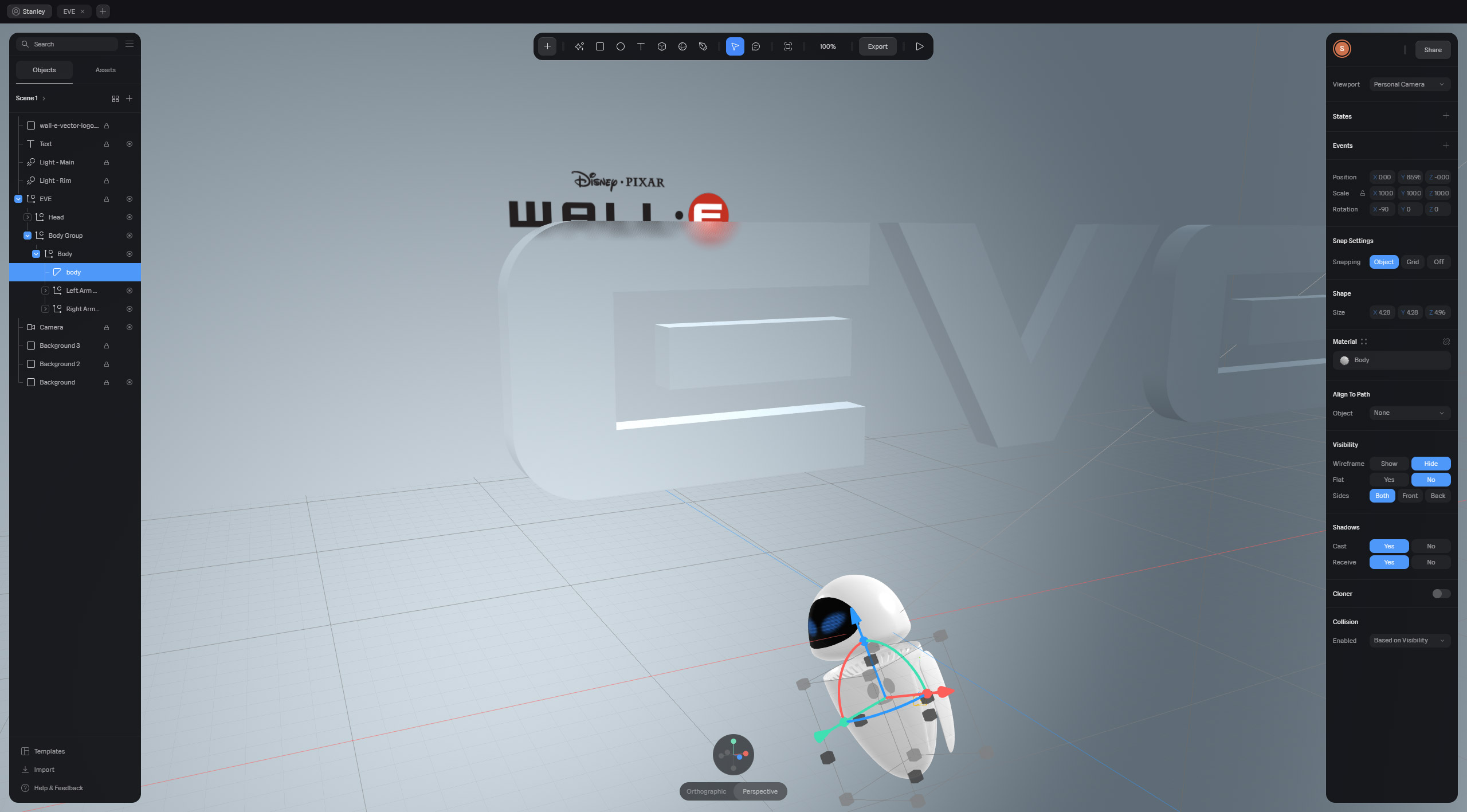
Bringing EVE to life in 3D focuses on capturing her expressive motion, emotional cues, and interactive behaviors to make her feel alive. By animating her smooth floating movements and glowing eyes, the project reveals her personality beyond just modeling. Adding interactivity—like responding to mouse motion—creates a dynamic connection, while careful attention to materials and lighting enhances her sleek look. Storytelling through animation helps convey her emotions, transforming EVE from a static figure into a living, relatable character using Spline to realize this vision.
See EVE in action
Note: EVE is my all-time favorite Pixar character—this project is a personal, fun tribute unrelated to any Disney or Pixar project. For the best experience, please view this project on a desktop with a mouse.
Character Reference
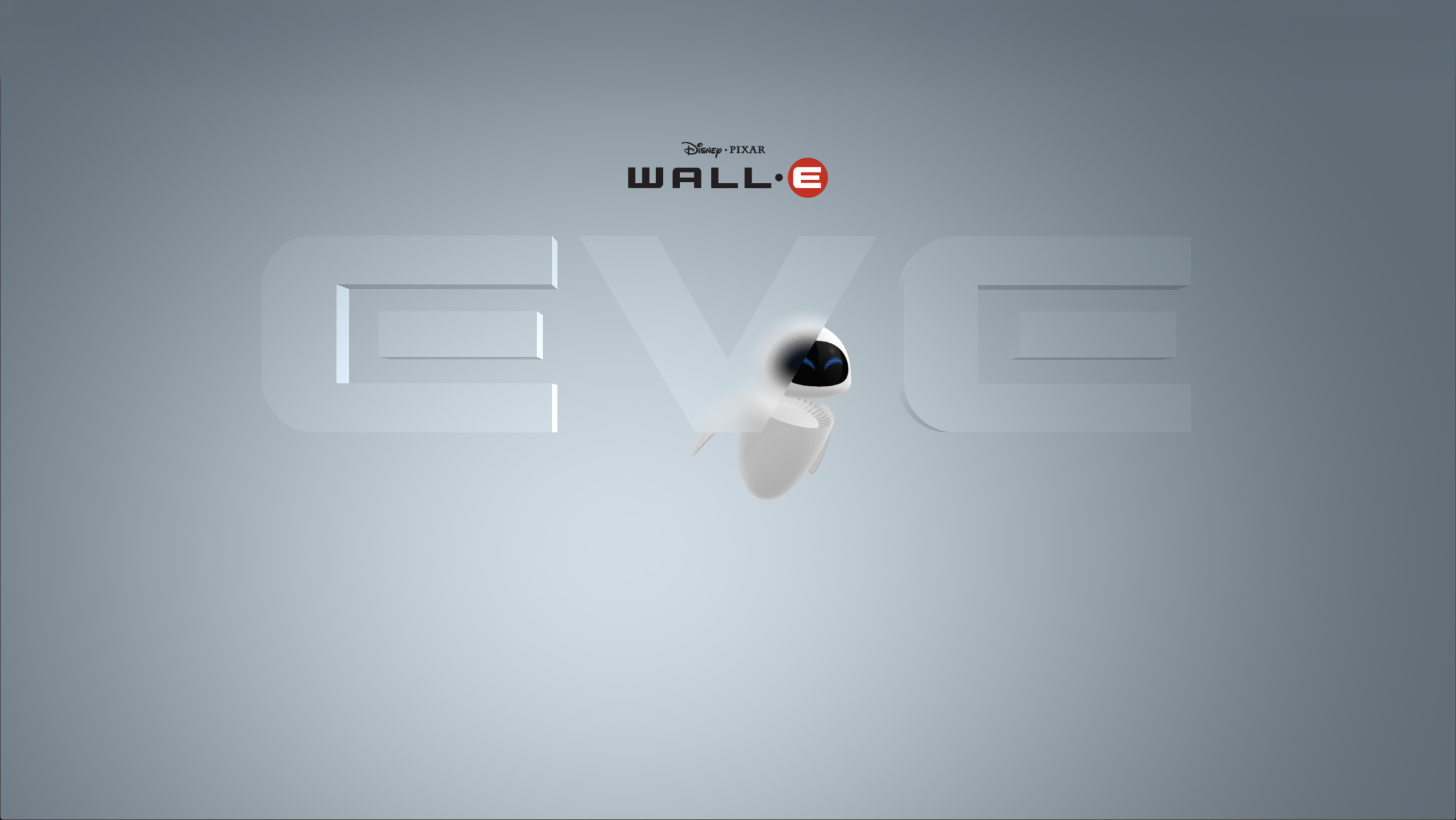
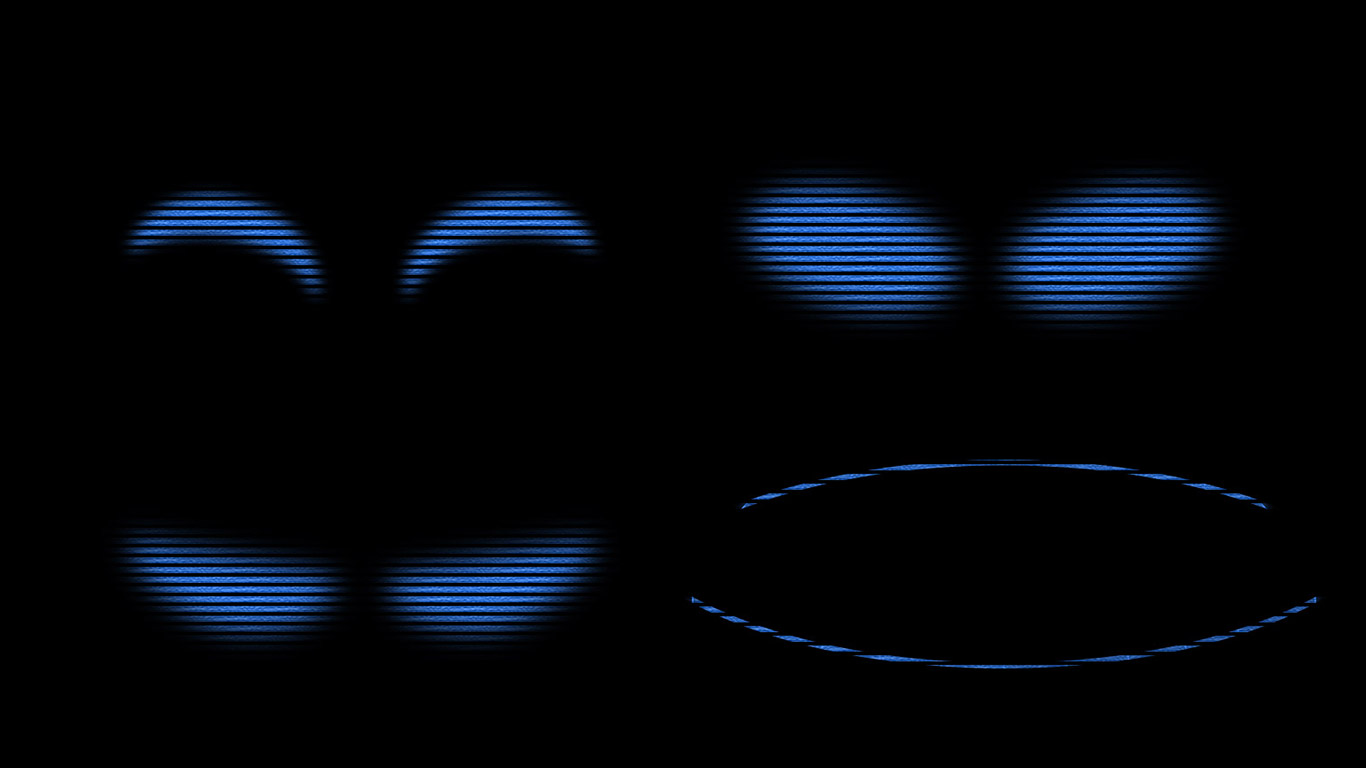
EVE’s shape is smooth and rounded, with a futuristic, egg-like body. Her eyes are simple blue LED shapes on a black screen, changing form to express emotion—blinking, narrowing, or shifting shape. When her expression changes, a brief refresh sequence appears, often resembling a digital flicker or scan-line effect, adding a subtle, high-tech transition between emotions
Modeling
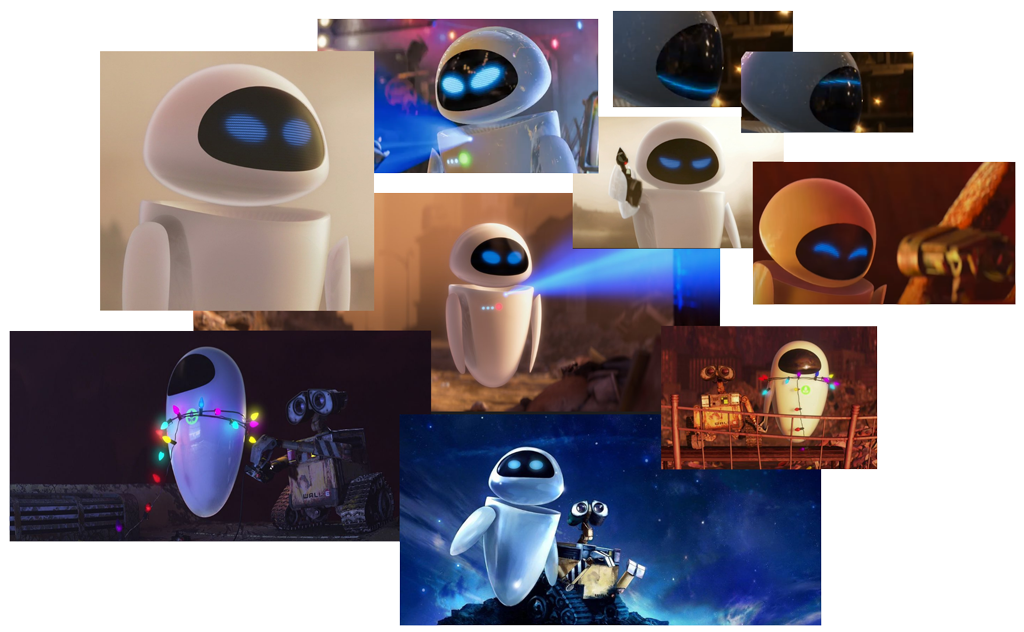
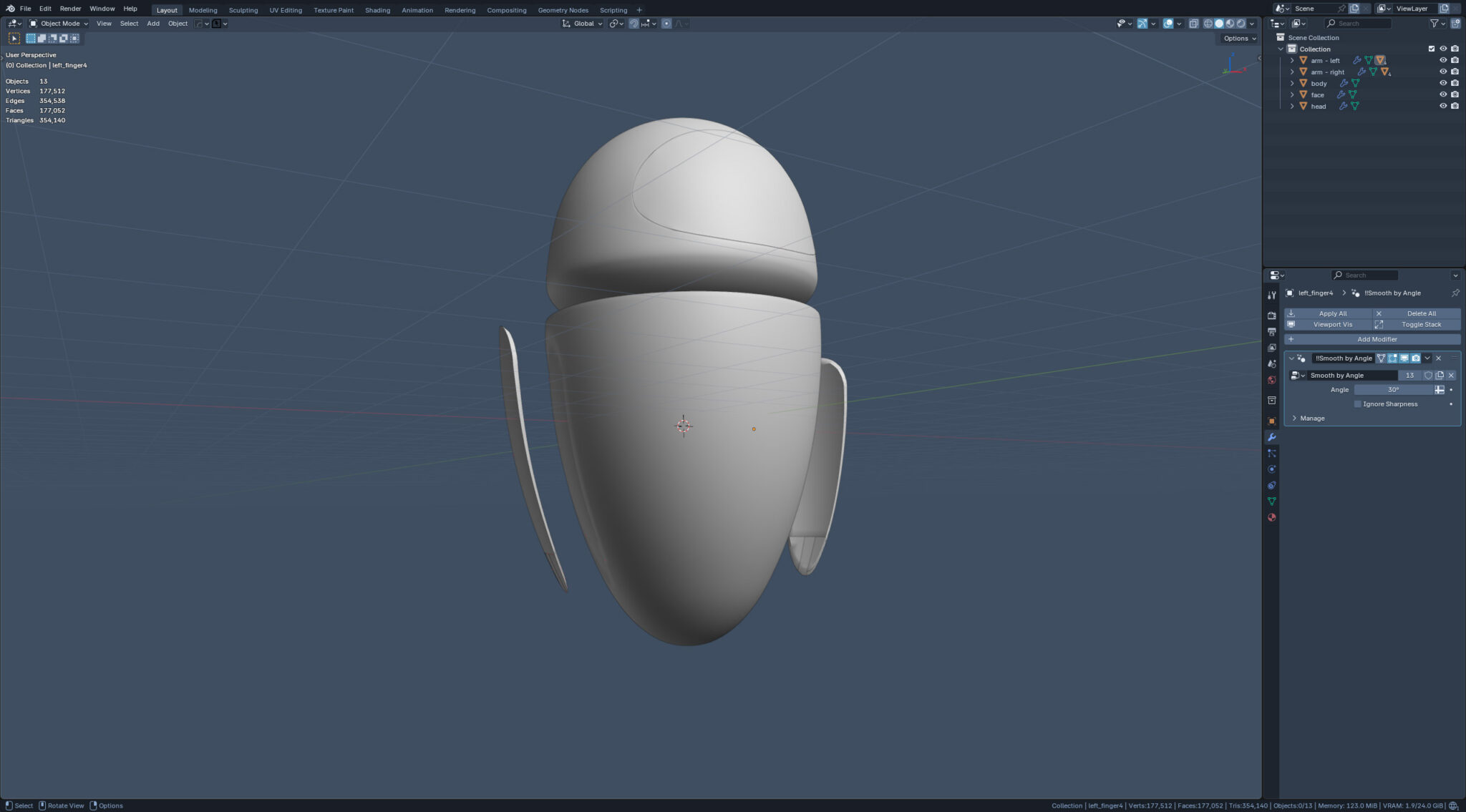
Modeling EVE in Blender is a straightforward and simple process, with her smooth, rounded body taking shape from basic geometry refined by simple deform. The hands and fingers were also modeled to match her streamlined style, but the fingers were included just for detail’s sake and ultimately weren’t used in the final animation. This approach kept the overall design clean and focused on EVE’s iconic silhouette.
Texturing
Texturing EVE’s facial expression involves designing crisp blue eye shapes—such as ovals, lines, and arcs—on her black faceplate. To add visual interest and a digital feel, subtle pixel textures and thin lines are incorporated into the eye graphics, echoing the look of a high-tech display. These details help convey emotion while maintaining EVE’s minimalist, futuristic style, resulting in facial expressions that are both clean and visually engaging.
Material
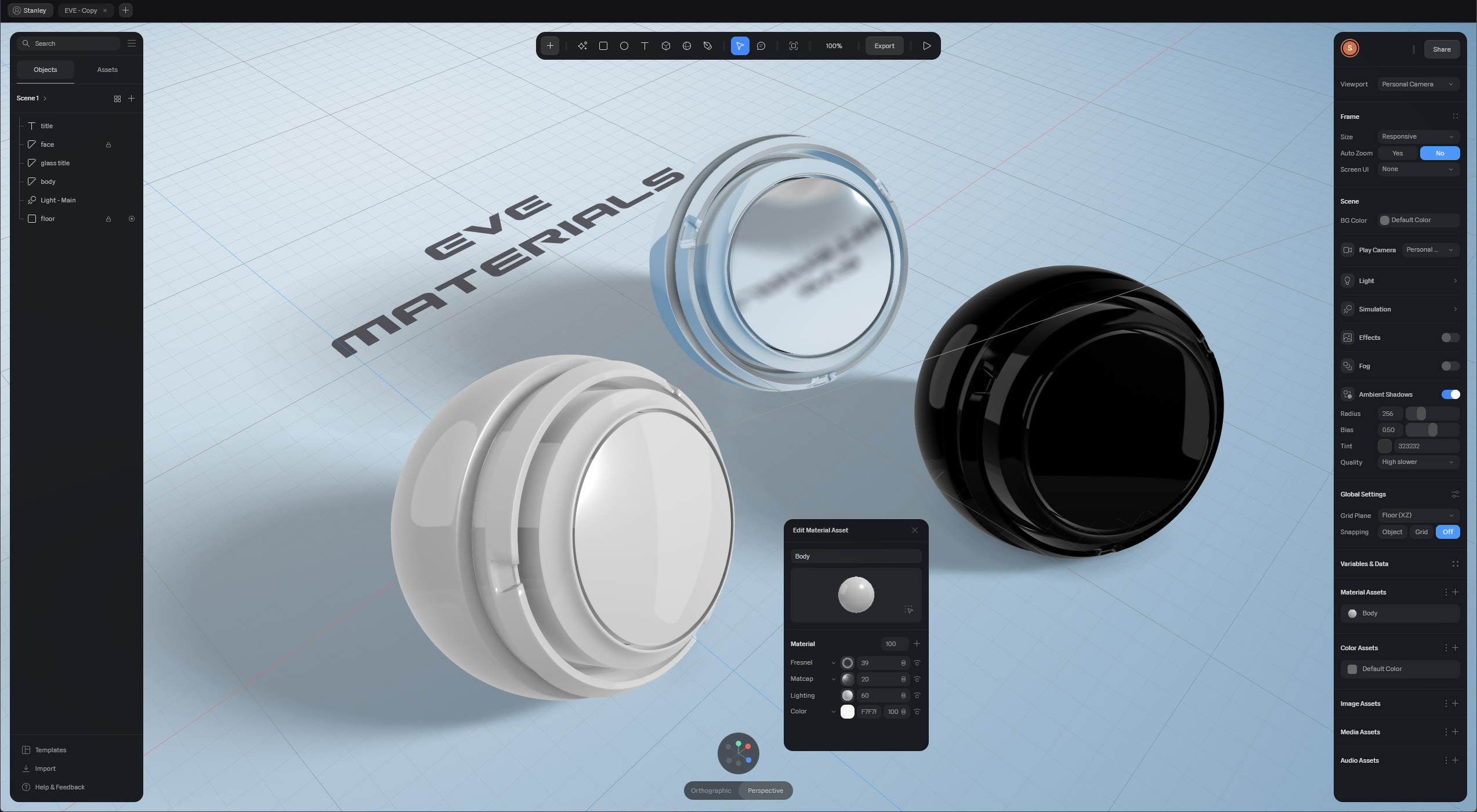
EVE’s materials define her iconic, high-tech look. Her white body uses a glossy, highly polished surface, simulated in Spline with a Matcap material for a smooth, reflective finish. The black faceplate is deep and sleek, providing strong contrast for the blue eye graphics. A Fresnel effect adds a subtle glow along her edges, highlighting her contours.
The Title element was also given a glass material, adding transparent, reflective depth and a modern touch that complements EVE’s minimal, futuristic design.
Animation
EVE’s animation design in Spline is built around a state machine approach rather than a traditional timeline. Each animation is defined as a distinct state, and transitions occur between these states based on events or interactions. This makes the animation process much simpler and more streamlined, though it offers less granular control over timing and sequencing compared to timeline-based systems. The result is a workflow that prioritizes simplicity and clarity, allowing for quick setup of EVE’s movements and poses without the complexity of keyframe management